
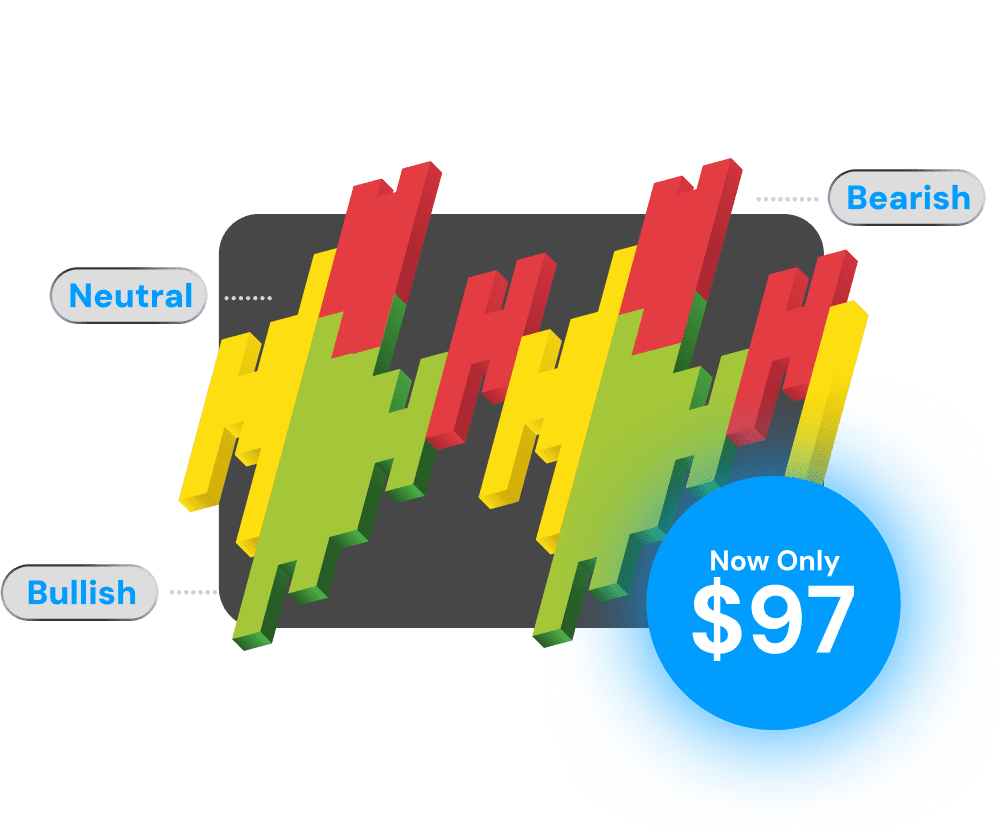
The BIAS Depth Heatmap Indicator analyses six different timeframes, giving you real-time BIAS information — Bullish, Neutral, or Bearish on each level.


 Available for
A powerful confirmation tool that acts as your Go/No-Go Gauge for every trade signal.
Use it with any signal indicator to validate your entries before pulling the trigger.
Real-time BIAS information across six different timeframes — Bullish, Neutral, or Bearish.
Identifies whether the market is trending or ranging at each timeframe level.
Live heatmap updates so you always have the latest market bias information.
Pay once, use forever. No monthly fees or subscriptions required.
Available for TradingView, Thinkorswim, NinjaTrader, MotiveWave, and MT4.
See how the BIAS Depth Heatmap helps you avoid costly mistakes by confirming your trade signals.
As you can see, we received a Long signal on our preferred trading strategy, but the heatmap's color alignment wasn't all Green. Acting on this unconfirmed signal would have likely resulted in a losing trade.
When the heatmap shows alignment across timeframes, you have confluence. This gives you the confidence to enter trades knowing the broader market bias supports your signal.
Don't just take our word for it—hear how traders are using this tool to trade smarter.
"The BIAS Depth Heatmap has completely changed how I approach my trades. I no longer enter without checking the multi-timeframe alignment first."

xBrat Customer
"Finally, a tool that gives me the confidence to pull the trigger. The 6-timeframe view is exactly what I needed to confirm my entries."

xBrat Customer
No subscriptions. No monthly fees. Just powerful trading tools, yours for life.
Secure checkout powered by Thrivecart
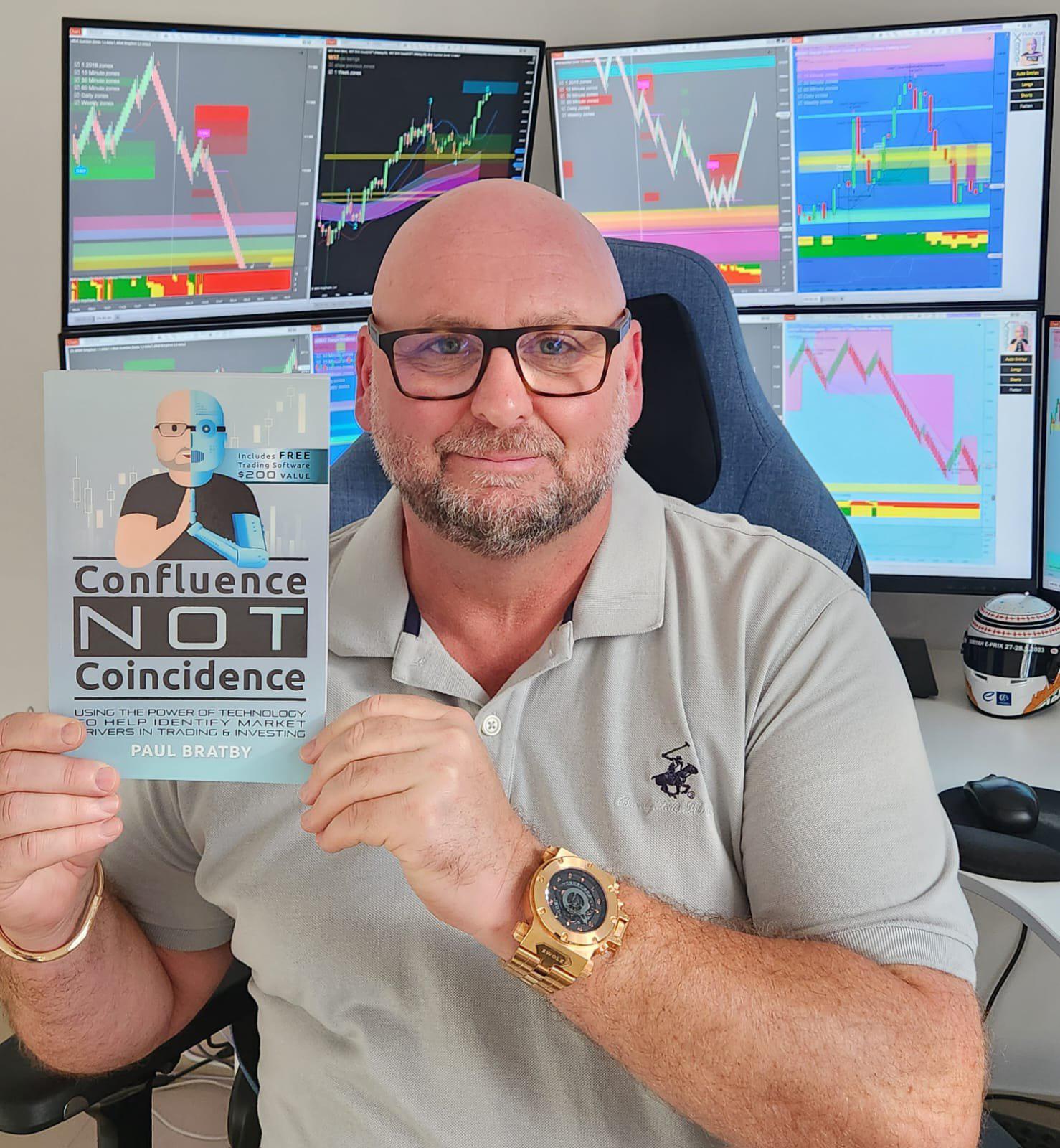
Trader, educator, and founder of Global Trading Software. I turned a disciplined, analytical approach into long-term trading success.
Through custom trading indicators, live training, and my book "Confluence Not Coincidence", I make advanced strategies accessible for traders at every level.
The BIAS Depth Heatmap is built on the same principles that guide all my tools: confirmation, confluence, and confidence.
Get "Confluence not Coincidence"